Everything BizCardy does. Try it.

Pick a chapter. Each one has the real product running in your browser.

Your card

One link that looks like you

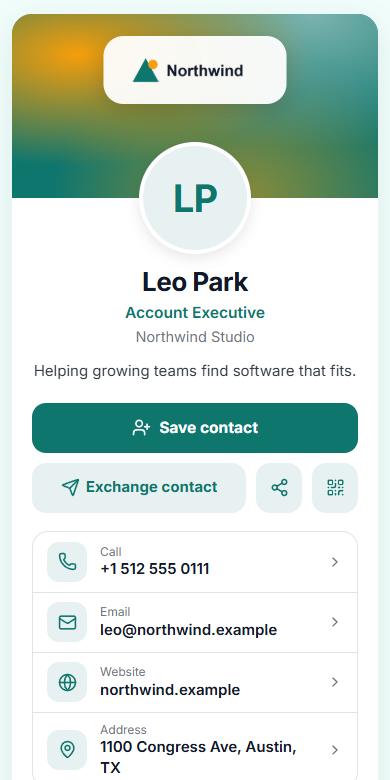
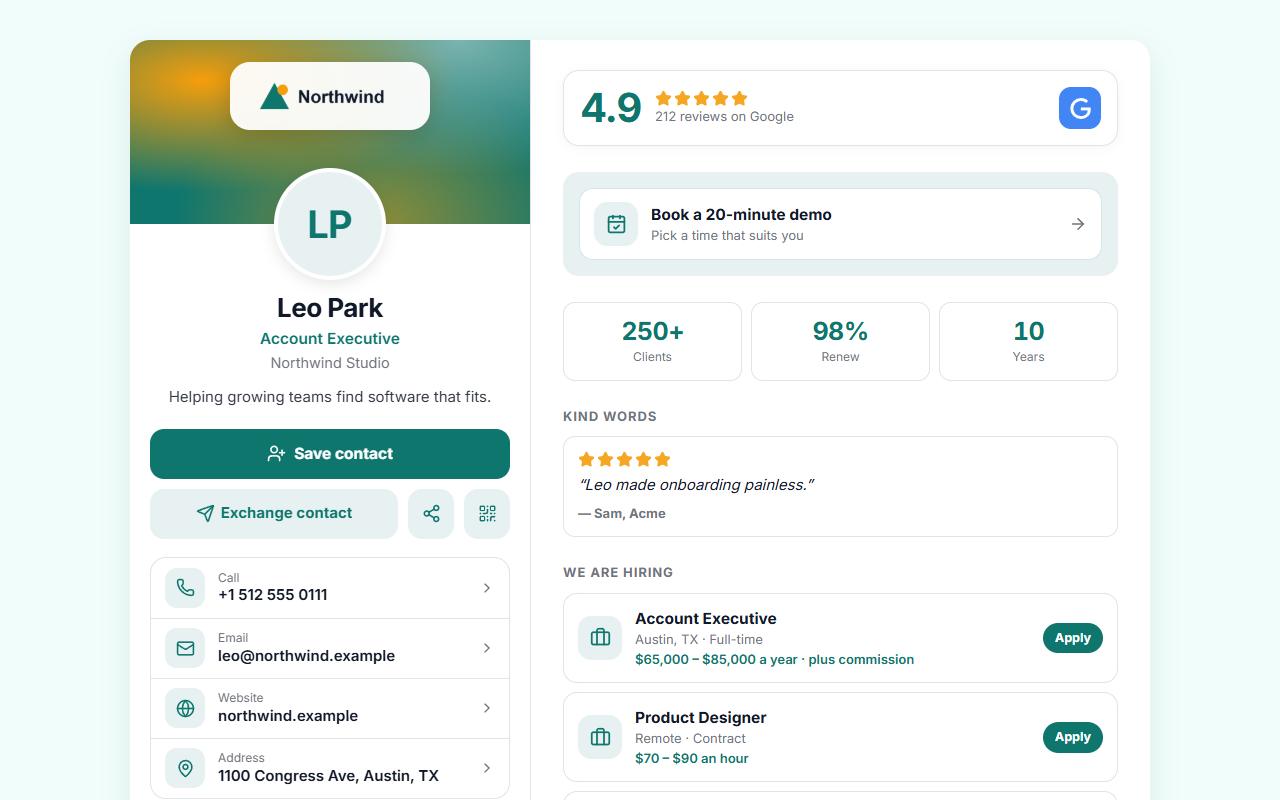
A card that fits a phone in someone’s hand and fills a desktop screen properly.
bizcardy.com/maya
A BizCardy card on a desktop screen
The same card on a phone

Now restyle it

Change anything on the left and watch the card follow.

Theme
Layout
Font
Buttons
Social icons
Background
Motion
59 widgets

Pick a widget. Play with it.

These are live: vote in the poll, drag the before-and-after slider, rate the stars, copy the coupon.

Look
Brand

Drop in a logo. The card does the rest.

BizCardy reads the colours in your logo and builds a matching theme. Try a few.
Choose a company
Colours found
Where the logo sits
  • Or paste your web address. Logo, colours and contact details come across.
  • Lock it. Companies fix the look on every card so nobody drifts off-brand.
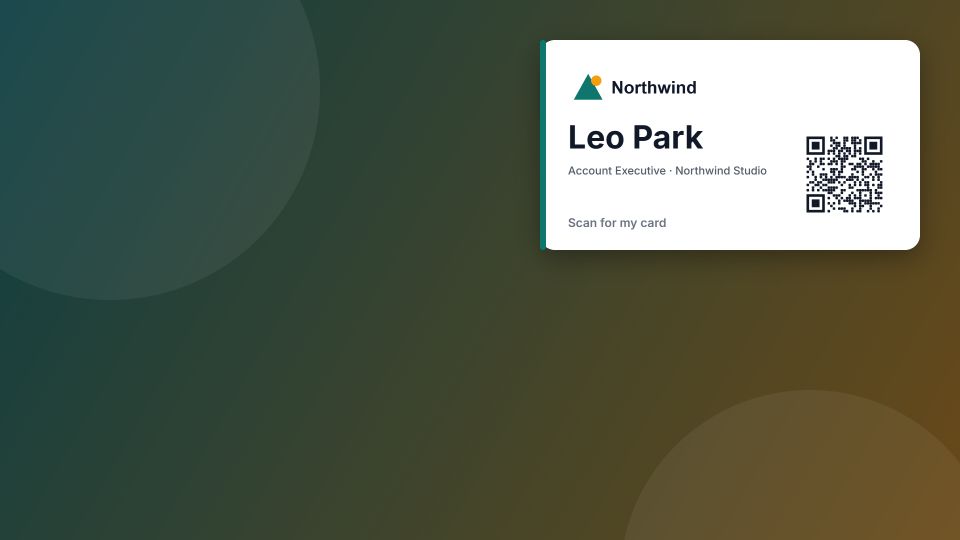
Video call background
A branded video call background with a QR code

Your brand, off the card too

The same colours and logo carry into the things you use every day.

  • Video call backgrounds with your name and a QR code people can scan from the call.
  • Email signatures for one person, or pushed to a whole Google Workspace.
  • Print-ready QR sheets for badges, desks and shop windows.
Share

A QR code with your name on it

Type anything below and the code redraws as you go. It really scans.

Style
Colour
bizcardy.com/yournamePoint a phone camera here.

Seven ways to hand it over

Choose one to see how it works.

Leads

From handshake to deal

Everyone who shares their details lands on a board. Drag a lead to the next stage, or tap it.

$0 won0 open leads

Collect leads on the trade-show floor

Capture mode turns your phone into a lead scanner.
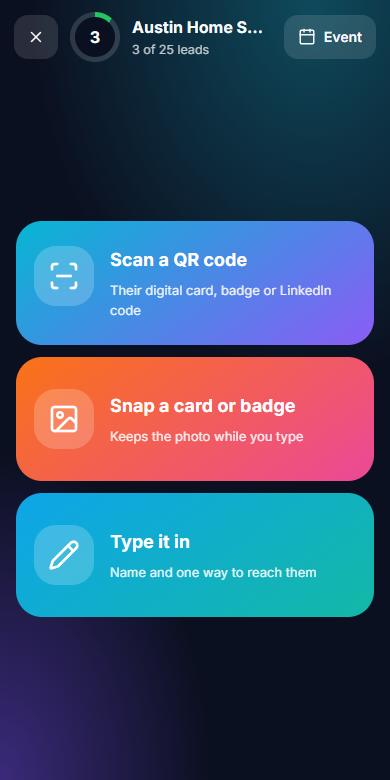
Capture mode home screen

Know which handshakes paid off

Views, taps, saves and leads by day, link, source and device. No cookies on your card and no visitor IP addresses stored.

  • QR vs. link. Tell event scans apart from forwarded links.
  • Fit scores and follow-up sequences. Know who to call first, and keep in touch automatically.
  • Event results. Cost per lead, pipeline and a leaderboard for every show.
  • Straight to your CRM. HubSpot, Salesforce, Pipedrive, Zoho or Dynamics 365.
Teams

Your spreadsheet, paired for you

Upload the staff list you already have. BizCardy reads the headings and the data to match each column. Press the button to watch.

hr-export.xlsx · 124 people

Headings like “Contact” and “Staff Member” would confuse most importers.

Run every card from one place

Set the company up the way it really works, then decide who controls what.
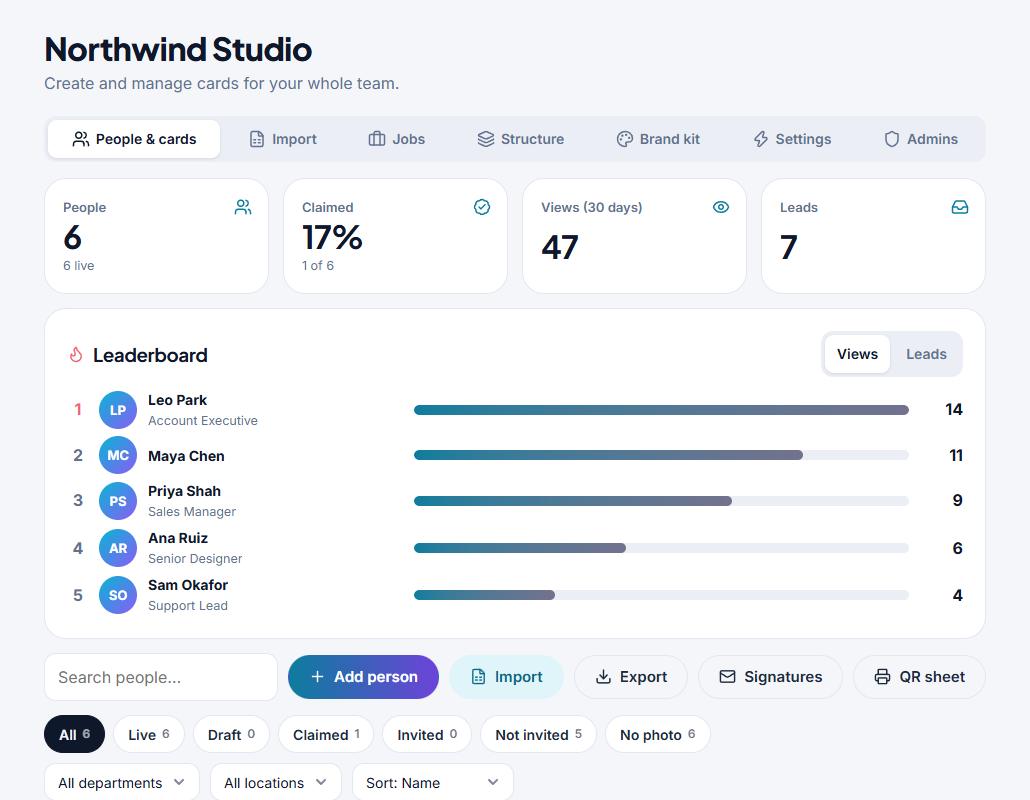
Team
The team list with departments and locations

Every card in one list. Filter by department or location and change hundreds at once.

Permissions

Choose what reps can edit on their own card, field by field. Approve changes before they go live.

Sign-in and directory

Google and Microsoft sign-in. Okta and Entra add and remove cards as people join and leave.

Connected

Five CRMs, Google Sheets, webhooks and an audit log of who changed what.

Hiring

Post a job once. Every card carries it.

Your team hands out cards all day. Put your open roles on them. Pick a role and press post.

Role
Show on

Nothing posted yet.

A full hiring desk behind it

Write the listing, share the page, work through applicants.
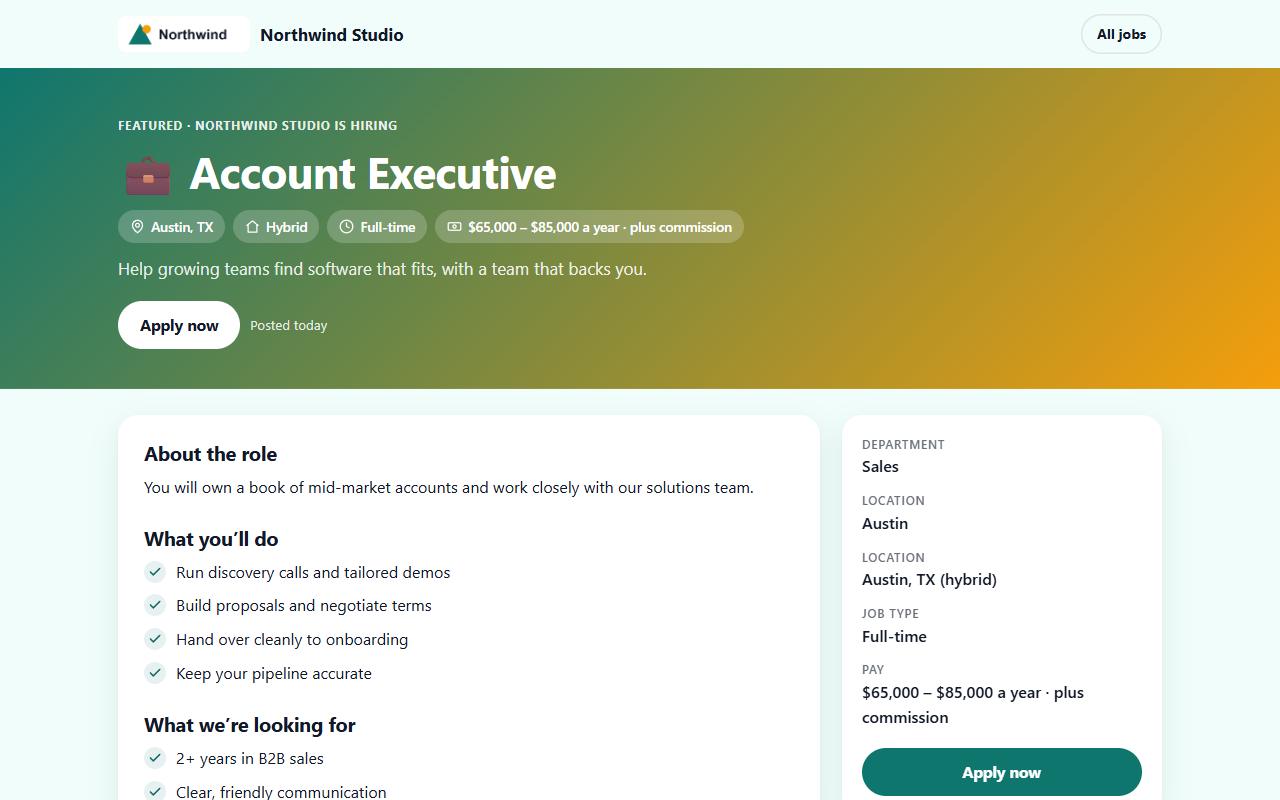
Jobs
A public job listing page

A stand-alone page for each role, in your brand, ready to share anywhere.

Everything

Looking for something?

Every feature in one list. Search it, or tap one to jump to its chapter.

Live editorEdit on one side and watch the card on the other. Autosave and undo.Your card Themes and layoutsPresets, four layouts, fonts, buttons, backgrounds and motion.Your card Photo croppingCrop and resize in your browser so cards load fast.Your card Phone and desktopOne card that looks right on an iPhone, a Samsung and a wide screen.Your card Multiple cardsSeparate cards for different roles, brands or events.Your card Private cardsProtect a card with a password.Your card ExportDownload your card as one HTML file to host anywhere.Your card 59 widgetsBooking, menus, products, polls, reviews, maps, video and more.Widgets Appointment slotsVisitors pick a time and you both get a reminder.Widgets Google reviewsYour rating and latest reviews, refreshed for you.Widgets Chat and formsQuestions, quotes and sign-ups without leaving the card.Widgets Logo colour matchUpload a logo and the card takes its colours.Brand Import from your websitePull logo, colours and details from a web address.Brand Brand locksLock logo, colours and layout across every card.Brand Video call backgroundsA branded backdrop with your QR code for Zoom, Meet and Teams.Brand Email signaturesCopy one, or push them to everyone in Google Workspace.Brand QR codesYour colours, your logo in the middle, print-ready files.Share Tap to shareWrite your link to an NFC tag from your phone.Share Apple and Google WalletKeep your card one double-click away.Share Save to contactsOne tap adds photo, phone, email and links.Share Your own linkPick any free address. Old links and printed codes keep working.Share Home-screen appInstall your card like an app. It opens offline.Share QR sheetsPrint codes for the whole team for badges and desks.Share Lead inboxVisitors send their details back. You get an email and a tidy list.Leads Pipeline boardDrag leads from new to won, with notes, tags and value.Leads Capture modeScan badges and paper cards at events, even offline.Leads Follow-up remindersA nudge by email when a lead is due a reply.Leads Automatic thank-youNew leads get your details back straight away.Leads Company lookupFill in a lead’s company from their work email.Leads AnalyticsViews, taps, saves and leads by day, link, source and device.Leads Today pageFollow-ups, bookings, best leads and new applicants in one list.Leads Lead historyHow each lead arrived and everything that has happened since.Leads Instant alertsA notification on your phone the moment someone shares their details.Leads Fit scoringEvery lead gets a score out of 100, with the reasons, so you know who to call first.Leads Event dashboardLeads, cost per lead, pipeline and a leaderboard for every event.Leads Follow-up sequencesUp to three more emails on a schedule, each with an unsubscribe link.Leads Scan a stackPhotograph a pile of paper cards and check them in one list.Leads CRM checkSee whether a lead is already in your CRM, with any open deals.Leads AI assistant connectorAsk Claude or another assistant about your contacts and pipeline.Leads Smart Excel importUpload the staff list you have. Columns are paired for you.Teams Departments and locationsModel the company your way, with your own group types.Teams PermissionsChoose exactly what reps can change on their own card.Teams Company link formatGive every card an address such as company-first-last, in one click.Teams Group managersHand a department or office to the person who runs it.Teams Invite and claimReps claim their card by email and add their own photo.Teams Group analyticsCompare departments, locations and people.Teams Single sign-onSign in with Google or Microsoft.Teams Directory sync (SCIM)Okta and Microsoft Entra add and remove cards for you.Teams CRM syncHubSpot, Salesforce, Pipedrive, Zoho and Dynamics 365.Teams Webhooks and SheetsSend every lead to your own tools or a Google Sheet.Teams Audit logSee who changed what, and when.Teams Job listingsPost a role once. It appears on every card you choose.Hiring Careers pageA shareable page for all open roles, in your brand.Hiring ApplicationsCVs and answers land in one list with stages and notes.Hiring Pay and perksSalary ranges, benefits and screening questions.Hiring

Now build yours

Your card is live the moment you sign up.

Create my free card